



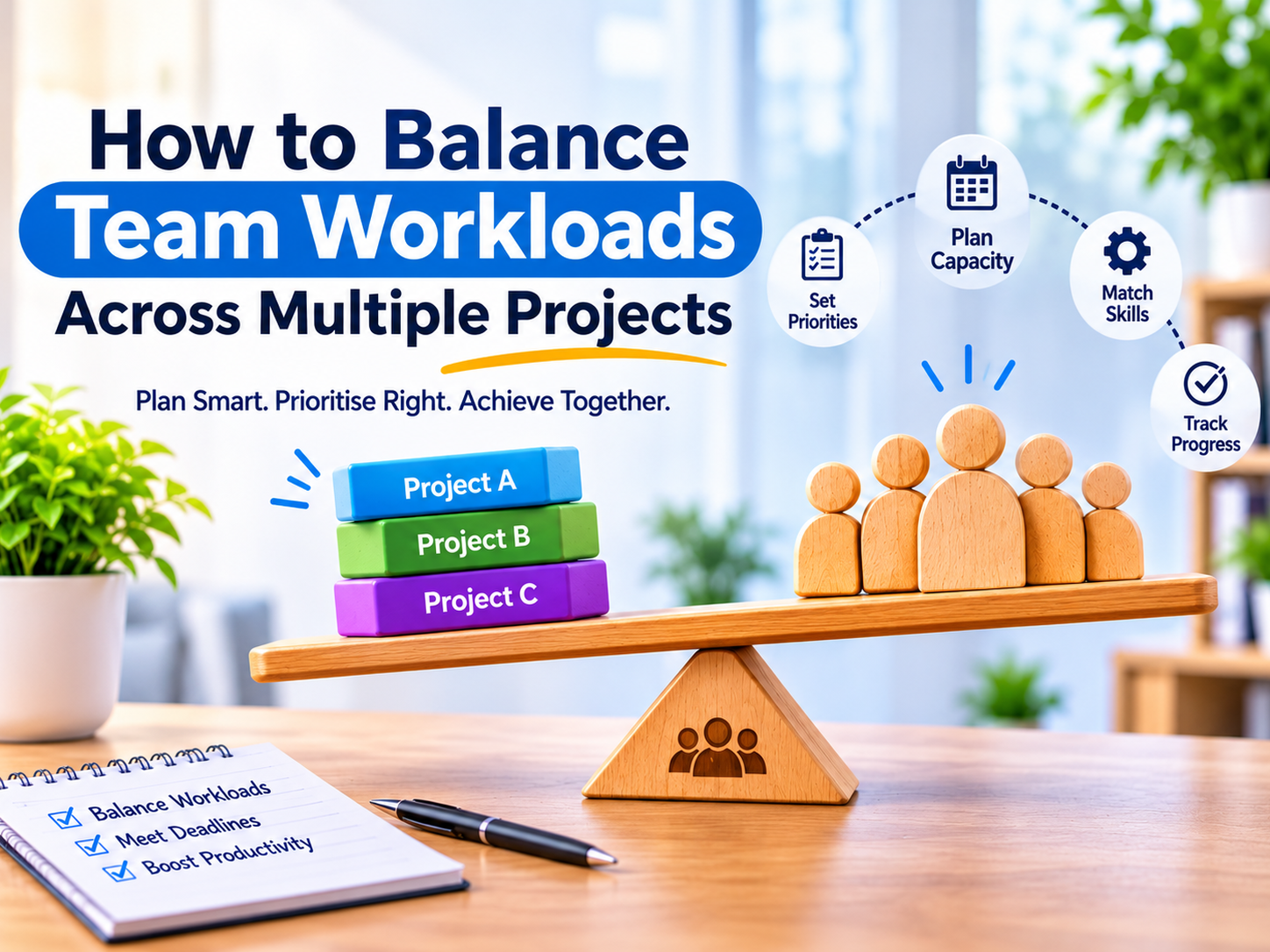
How to Balance Team Workloads Across Multiple Projects
Balancing team workloads across multiple projects starts with understanding each person’s available time, skills and existing commitments. Bring assignments into one view, estimate remaining effort and prioritise tasks across projects. Include meetings, recurring duties and approval work before assigning additional responsibilities.
Without this visibility, individual project plans may appear realistic while collectively overloading the same employees. Effective team workload management helps managers identify these conflicts and adjust work before deadlines slip.
What Is Team Workload Management?
Team workload management is the process of assigning and adjusting work according to employees’ capacity, skills and responsibilities.
It connects three factors: the work required, the resources available and the order of priority. Balanced workloads do not mean equal task counts. One complex assignment may require more effort than several routine tasks.
1. Create a Shared View of All Assignments
Combine tasks from every active project into one workload view. Include recurring operational responsibilities and scheduled reviews.
Record each task’s:
- Owner and project
- Due date and priority
- Remaining estimated hours
- Status and dependencies
- Reviewer, where required
This makes it easier to identify employees supporting several projects simultaneously.
2. Calculate Available Team Capacity
Available project capacity is the time someone can realistically spend on project work after other commitments.
Available capacity = working hours − leave − meetings − recurring duties − contingency time
For example, an employee working 40 hours may spend five hours in meetings, seven on operational duties and reserve four for unexpected requests. That leaves 24 hours for project assignments.
Avoid counting the same commitment twice. Choose contingency time based on actual interruptions rather than applying a fixed percentage to everyone.
3. Estimate Remaining Effort
Use remaining work when planning upcoming assignments.
A task originally estimated at ten hours may need only three more hours. Another may require additional effort after a scope change.
Ask task owners to update estimates when requirements, revisions or technical issues change the work. Distinguish active effort from waiting time: a task awaiting approval may require little effort but still delay delivery.
4. Prioritise Across Projects
Separate project managers may give competing instructions to the same employee. Agree on priorities across the team.
Consider deadlines, customer impact, dependencies and the consequences of delay. Work that enables several colleagues to proceed may deserve priority.
When urgent work arrives, identify which existing commitment will move, change scope or receive additional support.
5. Assign Tasks Based on Skills and Capacity
Match each task to someone with the right skills and enough time to complete it. Check their existing commitments, project knowledge and access to the tools they need before assigning work.
If an employee is overloaded, identify tasks that another qualified colleague can take on. Provide clear instructions and allow time for handover and review.
When reassignment is not practical, adjust the deadline, reduce the scope or arrange additional support. Update the shared workload plan so everyone understands the revised responsibilities.
6. Include Recurring Tasks and Approvals
Weekly reports, monthly checks and customer support responsibilities need space in the workload plan.
Approvers also need capacity. A completed task can remain blocked if its reviewer is unavailable. Assign reviewers early and schedule review time for important deliverables.
7. Review Workloads Regularly
Hold a weekly review to identify overloaded employees, blocked tasks and changed estimates.
Compare planned and actual effort to improve future scheduling. Investigate differences caused by unclear requirements, additional scope or repeated revisions.
Update the plan after significant absences, incidents or priority changes.
How Zitr Sprint Supports Workload Planning
Zitr Sprint project and operations management software provides workload dashboards, capacity heatmaps, task-level time tracking and estimated-versus-actual hour comparisons.
Its recurring schedules, project stages, subtasks and activity logs can help teams organise project delivery alongside routine responsibilities.
Request a demonstration using your own workload scenario to evaluate how these features support your planning process.
Plan Team Workloads with GKS Infotech
Balanced workloads start with clear priorities, realistic estimates and regular reviews. Include recurring responsibilities and approval time so your project plans reflect the team’s actual capacity.
Explore Zitr Sprint with GKS Infotech. Request a demo using your team’s workload scenario to assess its planning and reporting features.
Frequently Asked Questions
How do you balance workloads across multiple projects?
Combine assignments, calculate capacity and estimate remaining effort. Prioritise work, match tasks to skills and adjust commitments when demand exceeds available time.
Should everyone receive the same number of tasks?
No. Compare effort, complexity, deadlines and capacity rather than task counts.
What should managers do when someone is overloaded?
Review priorities and estimates, then consider reassignment, reduced scope, additional support or revised deadlines.
Can software automatically solve workload imbalance?
Software improves visibility. Managers still need to make realistic decisions about priorities, skills and delivery commitments.