


How to Choose a Learning Management System for Your Educational Institution
Choosing a learning management system for your educational institution starts with understanding your teaching methods, learner needs and administrative requirements.
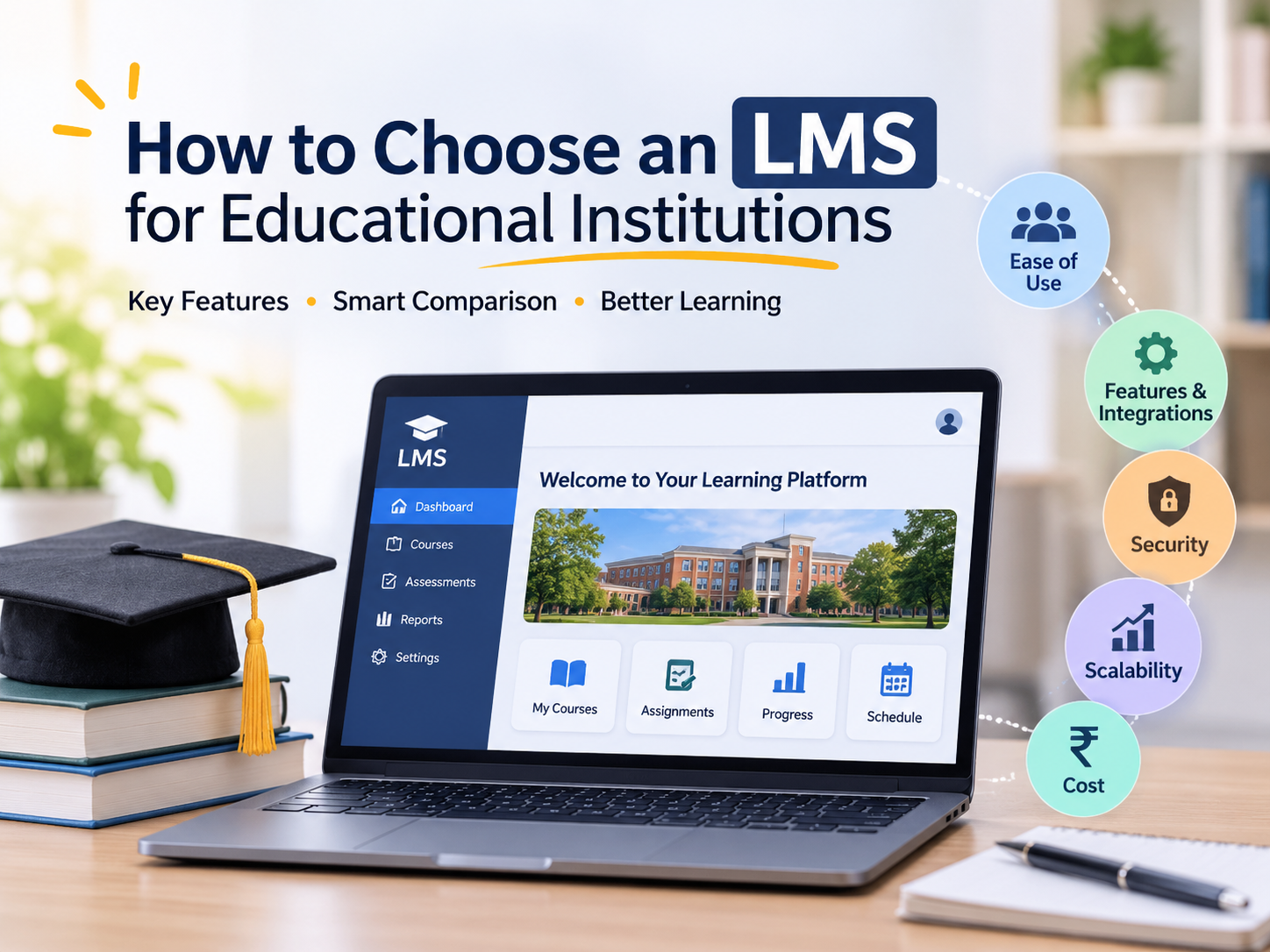
The right LMS should make courses easy to manage, provide reliable access to learning materials and help educators track progress. Compare usability, assessments, reporting, integrations, security and total cost before deciding.
Whether you manage a college, university or training institute, use this guide to evaluate platforms against your actual requirements.
What Is a Learning Management System?
A learning management system, or LMS, is software used to organise, deliver and track education or training.
Educators use it to publish materials, manage assessments and provide feedback. Students access lessons, submit assignments and review progress. Administrators manage enrolments, permissions and reports.
An LMS can support classroom teaching, online programmes and blended learning.
Define Your Institution’s Requirements
Gather input from educators, students, administrators and your IT team.
Identify:
- Course formats and assessment requirements
- Expected learner numbers and simultaneous users
- Departmental roles and permissions
- Required integrations and reports
- Payment collection needs
- Staff responsible for ongoing management
10 Factors to Consider When Choosing an LMS
1. Ease of Use
Students should find lessons, submit assignments and view feedback without unnecessary steps. Educators should manage routine updates without constant technical assistance.
During demonstrations, ask users to complete actual tasks rather than simply watching a presentation.
2. Course Creation and Content Management
Check support for videos, documents, presentations and interactive activities. Review how courses are organised and whether materials can be reused.
If you have existing SCORM-packaged content, test it in the platform. Where xAPI tracking is required, confirm the Learning Record Store arrangements.
3. Assessments and Feedback
Compare quizzes, assignments, grading, question banks and resubmissions. Check pass marks, attempt limits, deadlines and completion rules.
Evaluate examination security separately if needed. A quiz feature alone does not establish suitability for secure exams.
4. Progress Tracking and Reporting
Look for reports covering enrolments, lesson completion, assessment scores and overdue activities.
Confirm that reports can be filtered and exported. Interpret activity data alongside assessment outcomes: frequent logins do not necessarily demonstrate understanding.
5. Mobile Access and Accessibility
Test lessons and assessments on devices students commonly use, with realistic internet connections.
Review keyboard navigation, screen-reader compatibility, captions and readable documents. If offline learning matters, confirm which activities work offline and how progress synchronises.
6. Integrations
List required connections to student information systems, payment gateways, identity providers and other tools.
Ask whether each connection is ready-made or requires development. Confirm maintenance responsibilities, synchronisation behaviour and additional charges.
7. Security and Data Ownership
Review user roles, access controls, backups, recovery procedures and administrative logs.
Confirm hosting arrangements, data ownership and export options. Your institution should understand how it can retrieve course content and learner records when changing providers.
8. Branding and Departmental Management
Check whether courses and users can be organised by department, campus or programme.
Confirm available branding options, such as logos, colours and email templates, and whether they are included in the proposed plan.
9. Scalability and Support
Assess expected simultaneous usage during enrolment, deadlines and examinations.
Request an implementation plan covering migration, configuration, testing and staff training. Clarify support hours and escalation procedures.
10. Total Cost
Compare costs over the same period, including subscriptions, migration, integrations, storage, training and support.
Check whether pricing depends on registered, active or concurrent users. Include the staff time needed to administer the platform.
Test the LMS Before Committing
Run a pilot with a representative course and a small learner group.
Upload actual materials, conduct an assessment and review the resulting reports. Include users with different devices and accessibility needs.
Record whether learners completed activities, educators managed the course effectively and integrations transferred information accurately. Resolve important gaps before rollout.
Common Mistakes to Avoid
Avoid selecting an LMS solely by its feature list or subscription price.
Other mistakes include overlooking accessibility, skipping content-compatibility tests and underestimating migration effort. Get integration scope, charges and responsibilities in writing.
Explore Zitr LMS
Zitr LMS is presented by GKS Infotech as a platform for learners, course creators, universities and organisations.
Its product page describes course delivery, learner management, assessments, institutional branding, analytics, Razorpay integration and single sign-on.
Request a demonstration using your institution’s course structure to evaluate the features and implementation requirements.
Frequently Asked Questions
What should institutions prioritise when choosing an LMS?
Prioritise usability, course management, assessments, reporting, accessibility, security and support.
Can an LMS support blended learning?
Yes. It can provide online materials, activities and feedback alongside classroom teaching.
Is SCORM compatibility essential?
It matters when you use SCORM-packaged courses. Test existing content before selecting a platform.
How much does an LMS cost?
Costs vary by users, features, hosting, migration and support. Request an itemised quotation.
Choose an LMS That Fits Your Institution
The right learning management system for your educational institution should match your teaching methods, learner needs and administrative requirements. Compare usability, assessments, reporting, security and total cost, then test your shortlisted platform with a real course.
Explore Zitr LMS with GKS Infotech. Request a demo to evaluate how its course delivery, assessment and learner-tracking features fit your institution.