



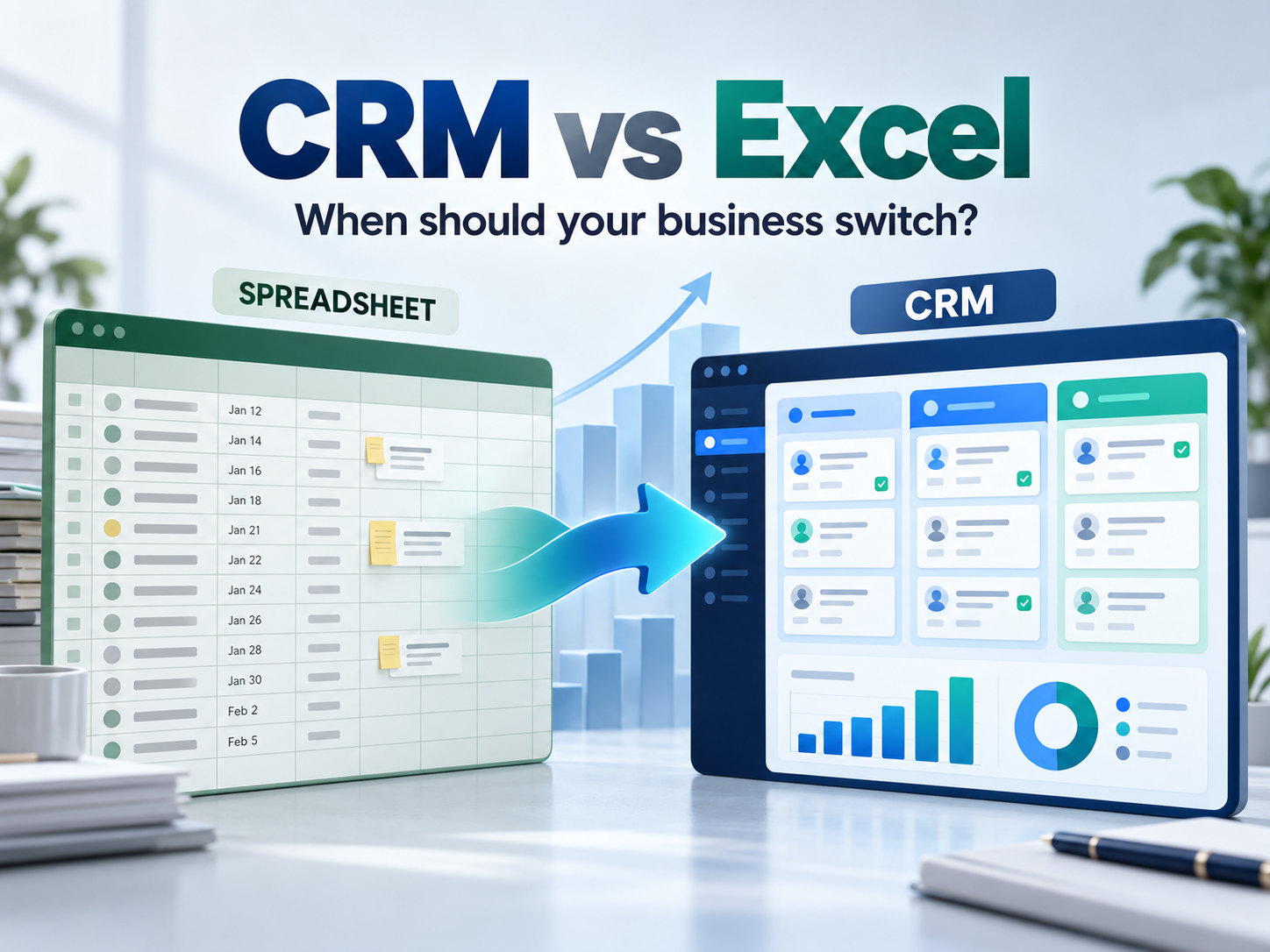
CRM vs Excel: When Should a Growing Business Switch to CRM Software?
Excel is a useful tool for managing business data. It is familiar, flexible, and suitable for small teams handling a limited number of leads and customers. But as a business grows, managing sales activities through spreadsheets can become increasingly difficult.
More leads mean more follow-ups, customer interactions, sales opportunities, and reporting requirements. This is where the difference between CRM vs Excel becomes important.
A Customer Relationship Management (CRM) system is designed specifically to help businesses manage leads, customers, sales pipelines, follow-ups, and customer interactions in one centralized platform.
So, when should a growing business switch from Excel to CRM software?
CRM vs Excel: What Is the Difference?
Excel is a general-purpose spreadsheet tool that can be used to record customer details, lead status, deal values, and follow-up dates.
CRM software is built around the complete customer and sales lifecycle. It can help businesses manage:
- Leads and opportunities
- Customer and account information
- Sales pipeline stages
- Follow-up activities
- Tasks and reminders
- Customer interactions
- Sales reports and dashboards
- Lead scoring and sales forecasting
The key difference is that Excel primarily stores information, while CRM software helps businesses manage the processes connected to that information.
When Does Excel Become Difficult to Manage?
There is no fixed number of employees that determines when a company needs CRM software. The need usually becomes clear when sales operations become more complex.
1. Leads Are Being Missed
When leads are stored across different Excel files, emails, or individual sales representatives' spreadsheets, it becomes difficult to identify which prospects have been contacted and which still need attention.
A centralized CRM can help teams capture, assign, qualify, and track leads more systematically.
2. Follow-Ups Depend on Manual Tracking
Missed follow-ups can result in missed sales opportunities. A spreadsheet may contain a follow-up date, but employees still need to remember to check it.
CRM software can support reminders, task management, and automated follow-up workflows.
3. Customer Information Is Scattered
When customer details and communication history are stored in different files and applications, sales teams may not have the complete customer context.
A CRM provides a centralized customer record, making it easier for teams to understand previous interactions and current opportunities.
4. Sales Pipeline Visibility Is Limited
Growing sales teams need more than a list of leads. Managers need to understand:
- How many opportunities are active?
- Which stage is each deal in?
- Which leads require immediate attention?
- What is the expected sales value?
- Where are opportunities being lost?
Managing these details manually in Excel can become time-consuming.
Benefits of Switching From Excel to CRM
Moving from Excel to CRM software is not simply about replacing a spreadsheet. It is about creating a more structured sales management process.
Centralized Lead Management
A CRM gives sales teams one place to capture, assign, qualify, and monitor leads, reducing dependence on multiple spreadsheets.
Better Sales Pipeline Management
CRM software can organize opportunities according to defined sales stages, giving managers greater visibility into the sales pipeline.
Consistent Follow-Ups
Automated reminders and workflows can reduce the risk of delayed or forgotten follow-ups.
Improved Customer Management
Sales teams can access customer information, activities, and interactions from a centralized system instead of searching through multiple files.
Better Sales Reporting
CRM dashboards and reports can make it easier to monitor sales activities, opportunities, conversions, and team performance.
When Should a Business Switch From Excel to CRM?
Your business may be ready for CRM software if:
- Leads are frequently missed or duplicated.
- Sales representatives maintain separate lead lists.
- Follow-ups are often delayed.
- Customer information is scattered across files.
- Sales reports require significant manual work.
- Managers cannot easily view the current sales pipeline.
- Sales forecasting depends on manually updated spreadsheets.
- The sales process is becoming difficult to standardize.
What Should You Look for in CRM Software?
Before choosing a CRM, businesses should consider their actual sales and customer management requirements.
Important CRM features can include:
- Lead and opportunity management
- Sales pipeline tracking
- Automated follow-ups
- Customer and account management
- Task and activity tracking
- Reporting and dashboards
- Lead scoring
- Marketing and business integrations
- User permissions and security
- Scalability
How GKS Infotech Helps Businesses Manage Sales
GKS Infotech offers Zitr CRM, a business CRM solution designed to bring sales activities, customer relationships, tasks, and teams into a unified environment.
Zitr CRM supports capabilities such as lead lifecycle management, account management, automated follow-ups, sales pipeline tracking, lead scoring, reporting, and customer support. It can support both B2B and B2C business models.
For businesses moving beyond spreadsheet-based sales management, a structured CRM can provide better visibility into leads, customers, sales activities, and opportunities.
CRM or Excel: Which Is Right for Your Business?
Excel remains useful for simple data management, calculations, and analysis. Businesses do not need to eliminate spreadsheets simply because CRM software is available.
However, when leads are being missed, customer information is fragmented, follow-ups depend on manual reminders, and sales reporting takes too much time, CRM software can provide a more scalable solution.
The transition from Excel to CRM is ultimately not just about changing software. It is about creating a more organized, consistent, and measurable sales process that can support business growth.
Frequently Asked Questions
Is CRM better than Excel for sales management?
CRM software is specifically designed for sales and customer relationship management. It provides features such as lead management, sales pipeline tracking, follow-up automation, customer records, and reporting that generally require more manual work in Excel.
When should a small business switch from Excel to CRM?
A business should consider CRM software when it experiences missed leads, inconsistent follow-ups, duplicate customer records, scattered sales information, or difficulty tracking opportunities. Company size alone should not determine the decision.
Can CRM software help prevent missed sales follow-ups?
CRM software can help businesses organize follow-up activities, assign tasks, set reminders, and track the status of leads and opportunities. By keeping sales activities in a centralized system, teams can reduce their reliance on manually maintained spreadsheets and improve follow-up consistency.
What should businesses consider when choosing CRM software?
Businesses should evaluate lead management, pipeline tracking, automated follow-ups, customer records, reporting, integrations, security, scalability, and ease of use. The CRM should match the company's actual sales workflow and future growth requirements.